Last updated: 22 October 2026. Written by Ritesh Kanjee, director of Augmented AI.
People are buying Mac Minis to run Clawdbot, now OpenClaw, because a small always-on computer gives the AI agent a secure, local place to work. Paired this way, the agent can manage email, CRM updates and project tracking, and it improves over time without constant re-prompting. I tested the setup myself to see what it can do.
I already had a Mac mini running my automations, so I gave Clawdbot a spin on it. This article covers how the setup went, what the agent did with my own website and tools, how it differs from a workflow tool, and whether you really need a Mac mini at all.
How hard is Clawdbot to set up?
The setup was straightforward until I hit some bugs, at which point I asked Cursor to install it for me and the problem was solved. I ran the config, went through onboarding with Claude Sonnet 4.5 as my default model, connected it to Telegram, and I was in.
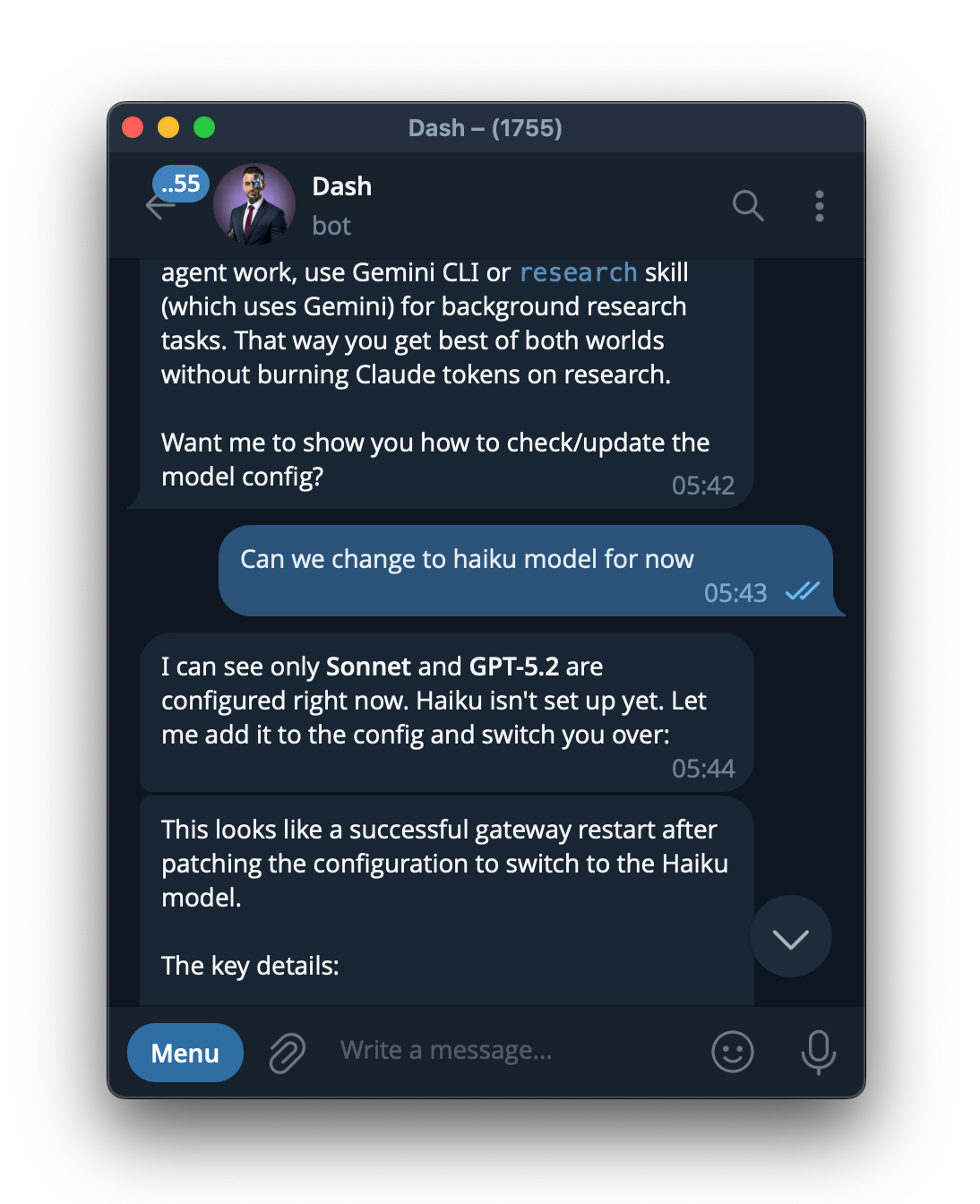
My first chat was fairly standard. I gave it information about me, my business goals and some personal details: my name, Ritesh Kanjee, and my mission to automate as many businesses as possible and save people time, money and effort. Nothing so far that ChatGPT, Gemini or Copilot could not do.
What happened when I gave it real access?
Things changed once the agent could act on its own. I gave it access to:
- browser control
- all my Google services (Gmail, Drive, Tasks and Calendar)
- the command line
- passwords for certain sites
Then I pointed it at my landing page and my ideal customer profile (ICP) document in Google Drive. It tore my website apart, with a full list of improvements and honest criticism. Its summary was: "Nice site. But it doesn't speak to your ICP at all. You're talking about golf in Dubai. Your audience, business owners and founders, doesn't care about lifestyle flex. They care about improving their businesses."
Any AI could have written that critique. The difference was that it browsed my site, fetched my ICP document and delivered a full audit on its own, without me copying and pasting between tools. That is when it clicked that I no longer needed a pre-built automation for everything.
Does Clawdbot replace a workflow tool?
No. A workflow tool is still the right choice for deterministic, isolated workflows, while Clawdbot is better at adaptive, context-aware work. If you are building a sales agent that scrapes 10,000+ leads in under 10 minutes, you want that in a workflow tool. We have that workflow in the Corporate Automation Library, which has over 1,000 members and more than 60 workflows.
| Job | Better fit | Why |
|---|---|---|
| High-volume, repeatable tasks such as lead scraping | Workflow tool | Deterministic and isolated: the same steps every time |
| Vague requests, cross-tool updates and follow-ups | Clawdbot | Adaptive and conversational, with memory of your business |
As Clawdbot and its community grow, I think it will overtake workflow tools for versatile, all-round automation, while workflow tools keep their lead on specific, fixed processes.
How does Clawdbot remember your business?
Clawdbot saves everything into local files, so you do not have to re-prompt it every session. It works like a Claude Project or a Gemini Gem, but with real skills that improve over time. You can keep as many files as you like, for example:
- one for your ICP
- one for your business profile
- one for each client
- one for each skill
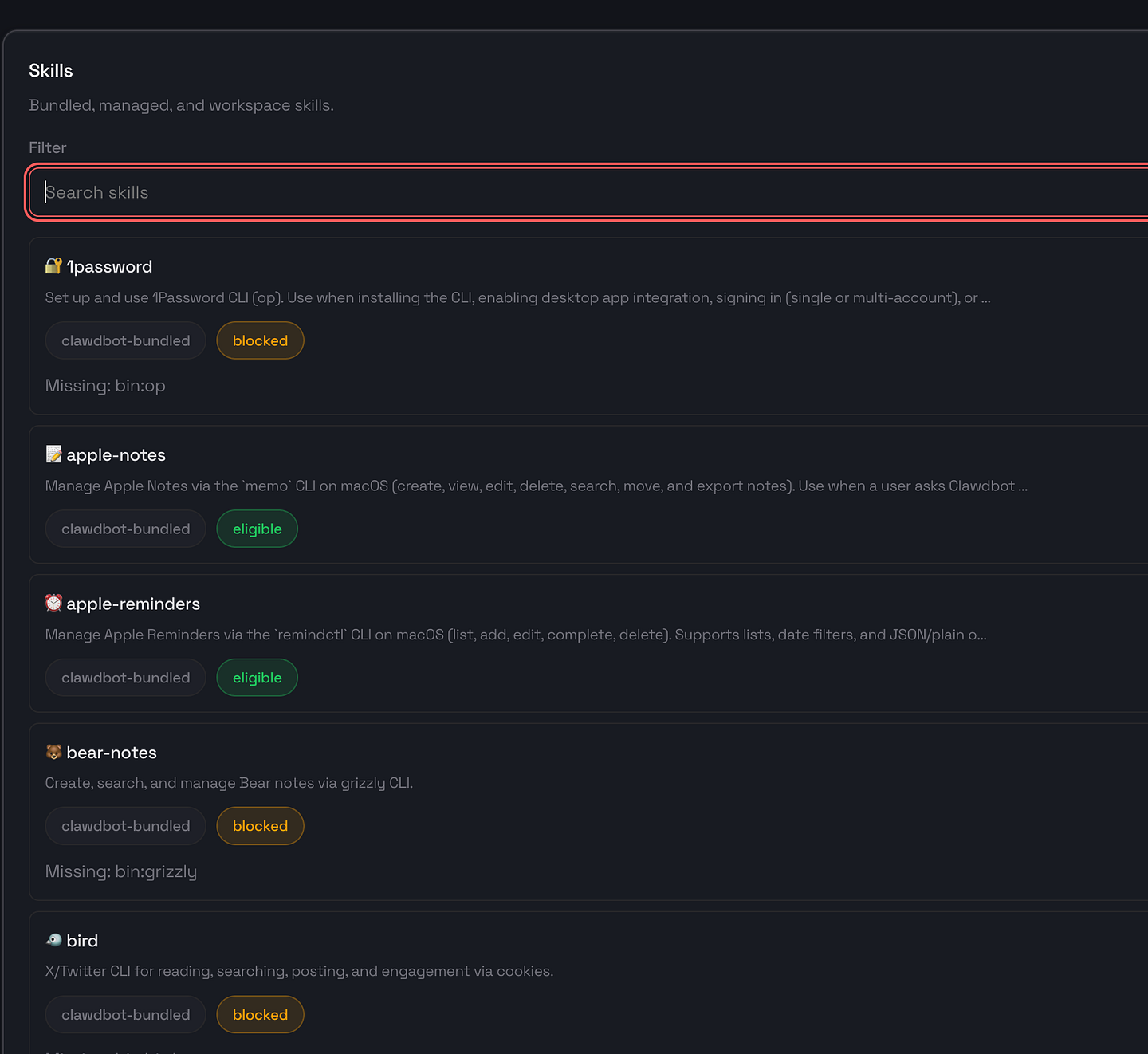
The skills I am using include a viral post writing skill I programmed myself, Nano Banana for Gemini image generation, gog for Google services (Gmail, Drive, Tasks and Calendar), Apple Reminders and Notes, and browser automation. You do not have to give it access to everything. I am testing several services because I have not settled on a final stack.
What does it automate day to day?
It keeps my tools in sync, whether or not they have an API, using browser automation or API calls. I connected it to NocoDB (my prospect list, a free, open-source Airtable alternative hosted locally), Plane (open-source project management in place of Asana or ClickUp), Gmail, Google Calendar and Google Tasks. It now does the following automatically:
- searches my Gmail
- checks my calendar
- updates my prospect database
- syncs active projects in Plane
- tidies up my Google Tasks
At the end of a day I tell it, "This is what I worked on today", and it updates prospect status in NocoDB, project progress in Plane and task completion in Google Tasks. It even cross-references client emails with project status and moves each client to the right pipeline stage. It handles personal reminders too, such as school payments for the kids.
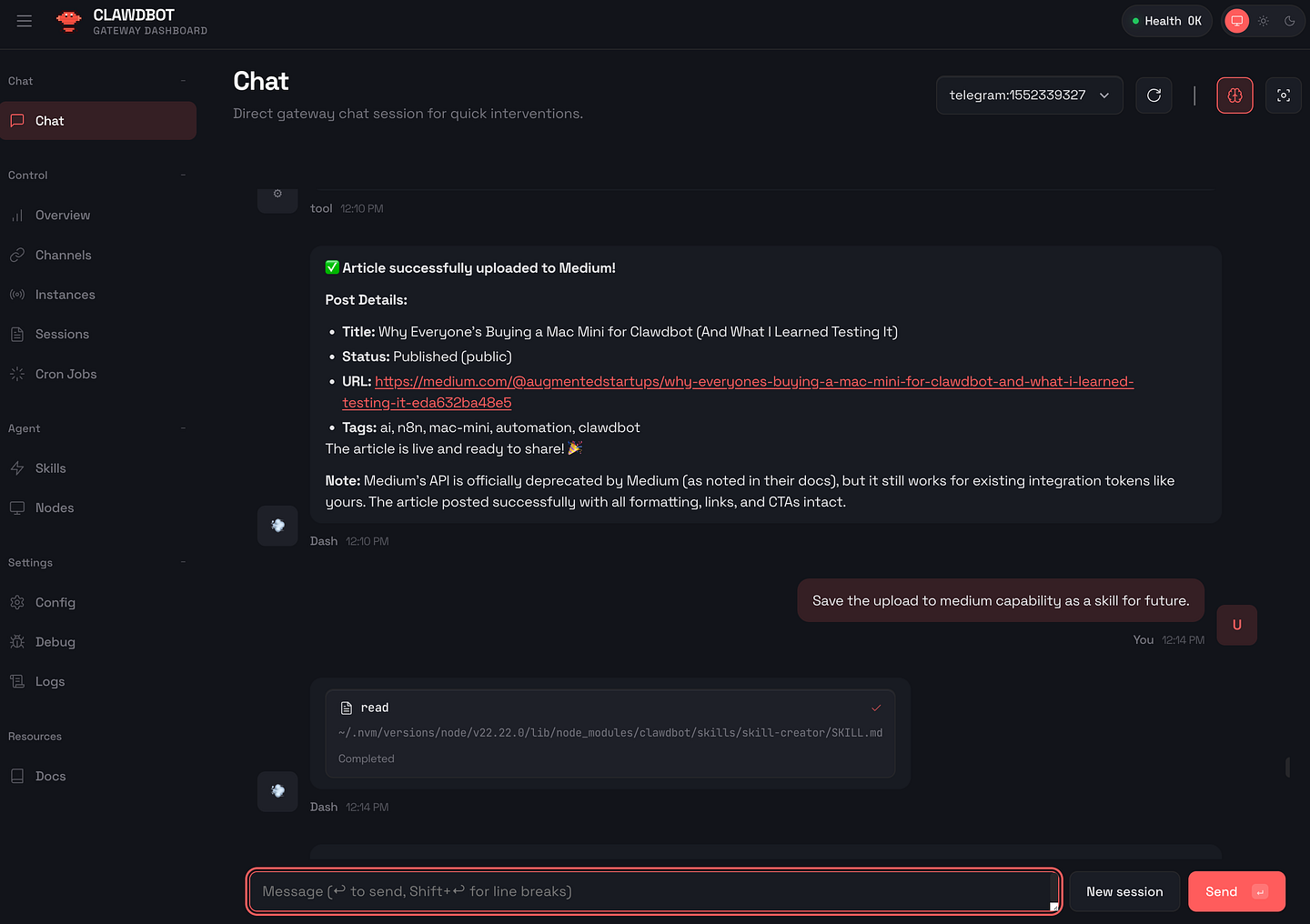
Unlike most chatbots (Claude Co-Work may be an exception), you can set scheduled jobs, so it messages you first like a real assistant: "You've got a meeting in 30 minutes," or "Prospect X hasn't responded in 3 days. Follow up?" You can do this for almost any software. Instead of paying for Notion AI, for example, Clawdbot can manage Notion from its own knowledge base. I also use it as a backup: my prospect list syncs to Notion in case something happens to the Mac mini.
For a founder running a business with a lean team, this kind of automation gives real time back.
Do you need a Mac mini to run Clawdbot?
No. You can run it on any Mac, on Windows or Linux, on a Raspberry Pi, or on a hosted server (VPS). I run it on a Mac mini for security, because a separate machine lets me:
- give the agent its own email account
- give it its own browser with only certain logins
- keep its access scope limited
If someone hacks it or tries a prompt injection, the damage is contained. If something goes badly wrong, I can physically unplug it and it is offline.
What is next?
You can connect a microphone and speaker for real-time voice conversations. So far I have only set up text-to-speech with ElevenLabs, and voice interaction is my next step. I will be releasing installation guides and custom skills for Clawdbot.
If you want to automate your business without learning to code, I have built more than 60 ready-to-use automation workflows that deploy in minutes:
- Get 3 free workflows to see how this works in your business.
- Explore CAL Pro, the full automation library.
- Book CAL Max for done-for-you automation and advisory.