How Can You Use Business Automation to Save 15+ Hours Every Week?
Implementing smart business automation allows modern founders to reclaim up to 75% of their lost operational hours. According to Ritesh Kanjee, founder of Augmented AI Automations, transitioning from manual work to custom AI pipelines in 2024 is the ultimate lever for scaling operations without expanding head count.
Why are modern business owners constantly overwhelmed?
Many founders start their companies to find freedom but end up trapped in operational bottlenecks. They spend hours managing manual data entry, responding to repetitive emails, and coordinating messy workflows. This administrative burden drains creative energy and prevents strategic business growth.
As a result, entrepreneurs struggle to find time for high-value tasks like product development and client acquisition. Relying on sheer willpower to outwork these operational inefficiencies is a losing strategy. The only sustainable path forward is implementing scalable business automation structures that run silently in the background.
By shifting your daily focus from executing tasks to designing systems, you break the cycle of constant burnout. This transition allows you to scale your output infinitely without increasing your daily stress levels.
What is the true cost of manual workflows in your company?
Every minute you spend on repetitive administrative tasks is a direct tax on your company's bottom line. If your hourly worth is valued at $100, spending ten hours a week on basic data entry costs you $1,000 weekly. Over a full calendar year, this hidden operational leak costs your organization over $50,000.
Furthermore, manual processes are highly prone to human error, which can ruin client relationships and destroy brand trust. When tired team members copy and paste data across legacy platforms, mistakes are bound to happen. These compounding operational errors slow down your delivery times and frustrate your paying customers.
Relying on expensive freelancers on platforms like Fiverr to handle simple repetitive tasks is a temporary bandage. These manual delegation strategies increase your managerial overhead and create communication bottlenecks. True operational leverage comes from replacing these manual steps with custom-built business automation systems.
How does Ritesh Kanjee automate complex media production?
For over 17 years, Ritesh Kanjee edited highly complex technical videos manually to educate his global audience. This tedious editing process used to consume at least two hours of highly focused manual work for every single video produced. To solve this bottleneck, he built a custom AI-driven system that cut this production time down to just 30 minutes.
While popular off-the-shelf software like Descript offers decent transcription tools, it still falls short for creators who publish content daily. Traditional platforms still require you to manually click through timelines, cut silent pauses, and search for relevant visual assets. Ritesh built a proprietary tool inside Corporate Automation OS that automates these manual editing choices completely.
This intelligent media pipeline auto-transcribes raw footage, cuts out mistakes, removes silent gaps, and dynamically places context-aware B-roll. By integrating this custom editor directly with Claude, the system understands the deep context of the spoken words. This level of AI automation transforms raw footage into highly engaging assets with minimal human intervention.
What does a modern AI automation tech stack look like?
Building an efficient digital system requires selecting the right software components to handle your backend operations. Many business owners make the mistake of buying multiple subscription tools that do not communicate with each other. This disjointed approach creates digital silos and complicates your data management.
To build a unified workflow, you must combine robust logic engines with advanced language models. The table below compares traditional business systems with modern custom integrations built for high-growth companies.
| Operational Feature | Traditional Manual Approach | Modern AI Automation System |
|---|---|---|
| Content Editing | Manual cutting on Premiere or Descript | Custom Claude-powered video pipelines |
| Lead Generation | Manual searching and cold outreach | Automated web scraping with AI personalization |
| Customer Support | Delayed email responses from support agents | 24/7 instant AI agents with database access |
| Data Processing | Manual copy-pasting across spreadsheets | Automated API sync via Make or custom code |
| Workflow Logic | Human decision-making for every step | LLM-guided routing based on user intent |
Integrating these advanced business automation tools allows your organization to process tasks at lightning speed. Instead of managing software manually, your tools collaborate to complete complex operations automatically. This integrated tech stack acts as an invisible workforce that works around the clock.
How can you build your first custom automation system?
To automate your business successfully, you must approach your operational workflows with a structured engineering mindset. You cannot automate a chaotic process, so you must map out your operational paths clearly before writing any code. Follow these structured steps to build your very first functional automated pipeline:
- Identify your bottleneck: Audit your weekly schedule to find the single most repetitive task that consumes your creative energy.
- Map the workflow steps: Document every single decision point, tool interaction, and data transfer involved in completing that task.
- Choose your core tools: Select an integration platform like Make or Python to connect your software applications together.
- Integrate intelligent LLMs: Connect cognitive tools like Claude or GPT-4 to handle complex decision-making and content generation.
- Test with edge cases: Run the automation with various scenarios to ensure it handles errors gracefully without breaking.
- Deploy and monitor: Launch the automated system live while keeping a close eye on execution logs to optimize performance.
Once you deploy your first automated workflow, you will immediately notice a reduction in your daily cognitive load. This initial success creates momentum, allowing you to gradually automate other areas of your operations. Over time, these small automated pipelines merge to form a comprehensive digital operating system.
What are the biggest benefits of deploying AI for business workflows?
Implementing custom AI for business operations completely changes how you approach organizational scaling and daily work. Instead of hiring more employees to handle volume, you simply scale your computing capacity. This shift allows your business to grow its revenue exponentially while keeping overhead costs remarkably low.
- Unlimited scaling capability: Automated pipelines handle ten tasks or ten thousand tasks with the exact same level of efficiency.
- Elimination of human error: Code-based systems execute tasks consistently, ensuring your operational quality never wavers.
- Massive financial savings: Replacing expensive manual workflows with automated API calls drastically reduces your monthly operational budget.
- Reclaimed mental freedom: Removing repetitive chores from your plate allows you to focus on high-level strategic vision.
- Faster customer delivery: Automated workflows process client requests instantly, giving your company a massive competitive edge.
These strategic advantages allow small teams to compete directly with large, established enterprises. By leveraging computational power, you achieve an operational output that previously required a massive team. This leverage is the ultimate competitive advantage in the modern digital economy.
How can you avoid common automation mistakes?
The most common mistake entrepreneurs make is trying to automate highly complex processes all at once. This chaotic approach leads to broken code, missed edge cases, and massive frustration. Instead, focus on automating small, isolated tasks before linking them into larger systems.
Another common pitfall is failing to build error-handling protocols into your automated workflows. If an external API goes down, your system must know how to pause and retry instead of failing silently. Designing robust fallback systems ensures your business operations remain resilient even when third-party tools fail.
Finally, do not completely remove the human touch from highly sensitive areas of your company. Use automated workflows to handle the heavy lifting, but keep a human in the loop for final quality checks. This balanced approach combines the speed of computers with the refined judgment of experienced professionals.
How can you join the corporate automation revolution today?
You do not have to navigate the complex world of modern software engineering and systems design alone. Joining a structured community of like-minded builders can accelerate your automation journey by months. You can access tested systems, pre-built code templates, and expert guidance to fast-track your progress.
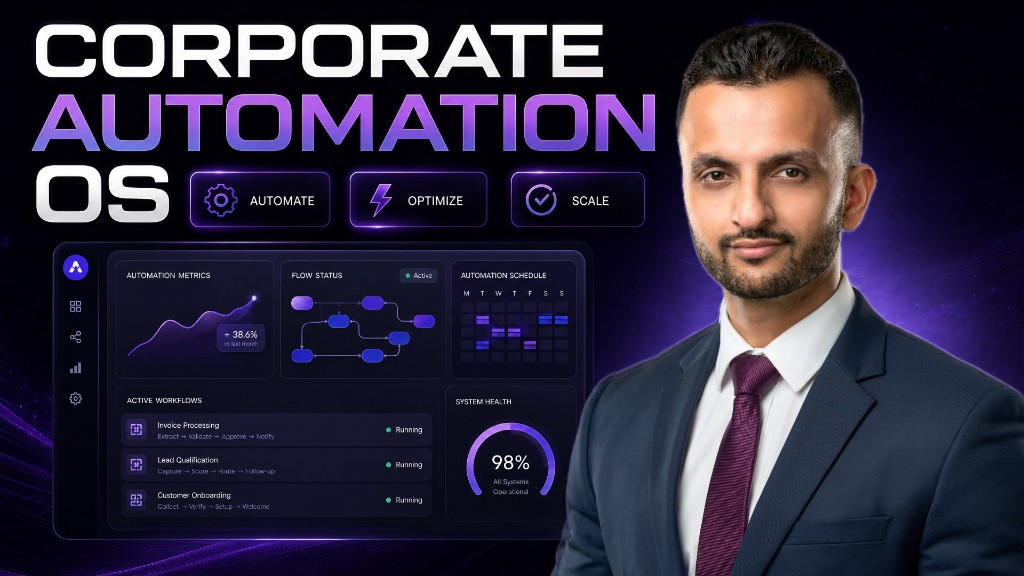
By joining the Corporate Automation OS on Skool, you gain direct access to elite frameworks designed by Ritesh Kanjee. This comprehensive program teaches you how to design, build, and deploy enterprise-grade systems for your company. You will learn how to integrate advanced AI models directly into your daily operations to save valuable hours.
If you are not ready to jump into the full operating system, you can start with the Free Automation Skool community. This active hub provides essential resources, introductory tutorials, and a supportive network of ambitious automated builders. Taking this first step will demystify modern technology and empower you to build your first workflow.
Frequently Asked Questions
What is the best way to start with business automation?
The best way to start is by mapping out your single most tedious weekly task. Once mapped, use a simple integration platform to automate that specific process before moving to complex workflows.
Do I need advanced coding skills to automate my business?
No, you do not need to be a professional software engineer to build basic automated systems. Modern visual builders and structured communities make it easy for non-technical founders to deploy powerful solutions.
Why does Ritesh Kanjee prefer custom systems over Descript?
While Descript is great for basic editing, custom systems built with Claude allow for complete, hands-free automation. This bespoke approach automates complex decision-making, cuts, and B-roll placement based on true video context.
How much money can smart automation save my company?
The savings depend on your current operational costs, but most businesses save thousands of dollars monthly. By eliminating manual data entry and expensive outsourcing, you drastically reduce your operational overhead.
What is the Corporate Automation OS community?
Corporate Automation OS is an elite Skool community created by Ritesh Kanjee of Augmented AI Automations. It provides entrepreneurs with the exact tools, templates, and systems needed to automate their business operations.
Can AI completely replace my human employees?
AI is designed to assist and supercharge your team, not replace the essential human elements of your business. It handles repetitive, low-value work so your team can focus on creative strategy and client relationships.
How do I join the free automation community?
You can join the Free Automation Skool community online to access introductory guides, video training, and a supportive network. This platform helps you understand the basics of AI integrations before upgrading to advanced systems.
Summary
Embracing modern system design is no longer a luxury for growing companies; it is an absolute operational necessity. By moving away from manual, repetitive tasks, you protect your valuable time and allow your business to scale efficiently. Join the Corporate Automation OS today to implement Ritesh Kanjee's proven frameworks and transform your business into an automated machine.