(And What I Learned Testing It)
To understand why people are buying Mac Minis for this new AI tool, I had to try it myself.
So I bought a Mac mini. Just kidding — I already had one running my n8n automations. But I decided to give Clawdbot a spin.
The setup was straightforward… until it wasn’t. Ran into some bugs along the way, so I just asked Cursor to install it for me. Problem solved.
Ran the config, went through onboarding with Claude Sonnet 4.5 as my default model, hooked it up to Telegram, and I was in.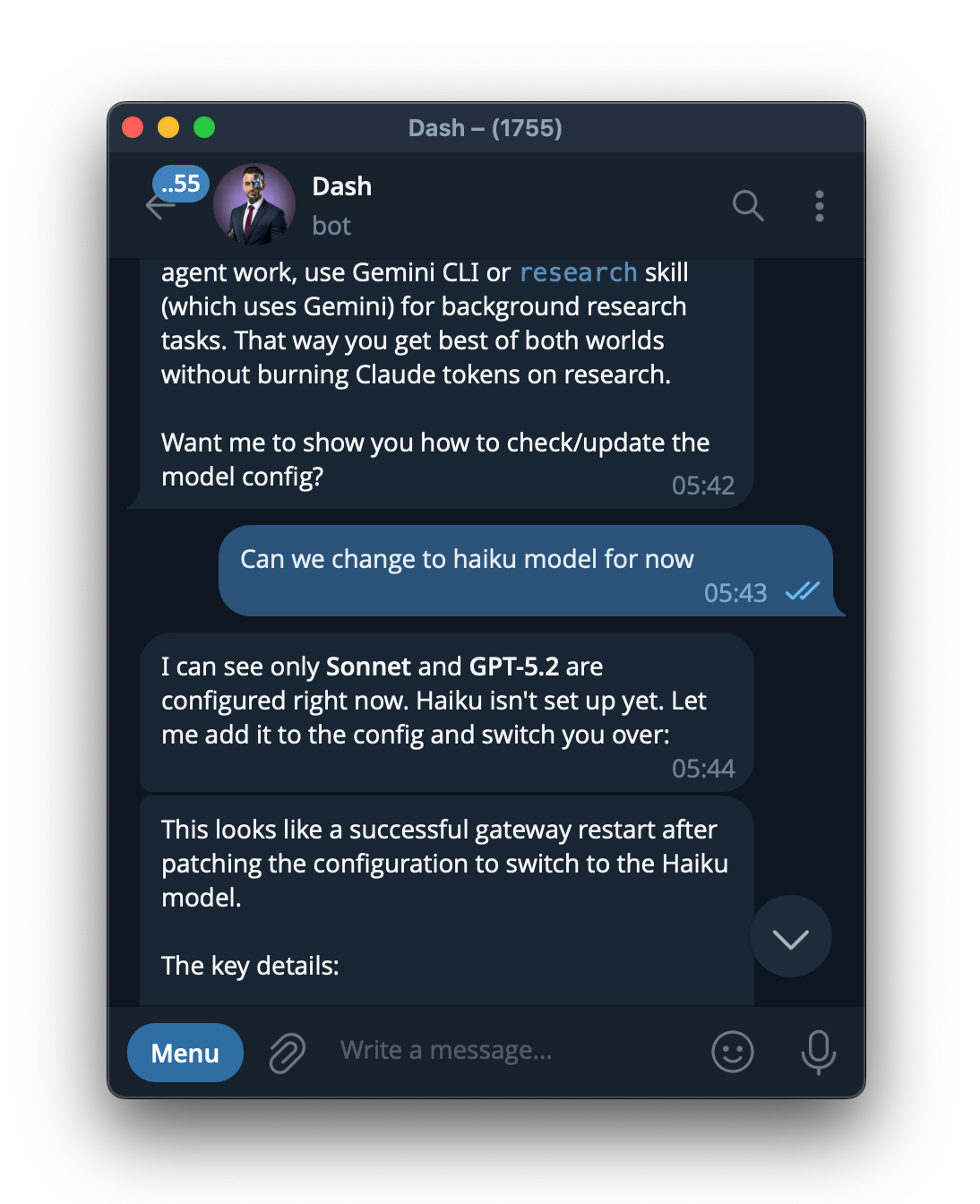
My first chat? Pretty standard. Gave it info about me, my business goals, personal details. Nothing you wouldn’t get from ChatGPT, Gemini, or God forbid, Copilot if you’re using that.
I told it:
Name’s Ritesh Kanjee
Mission: Automate as many businesses as possible
Save people time, money, effort
Cool. Moving on.
This is where things shifted.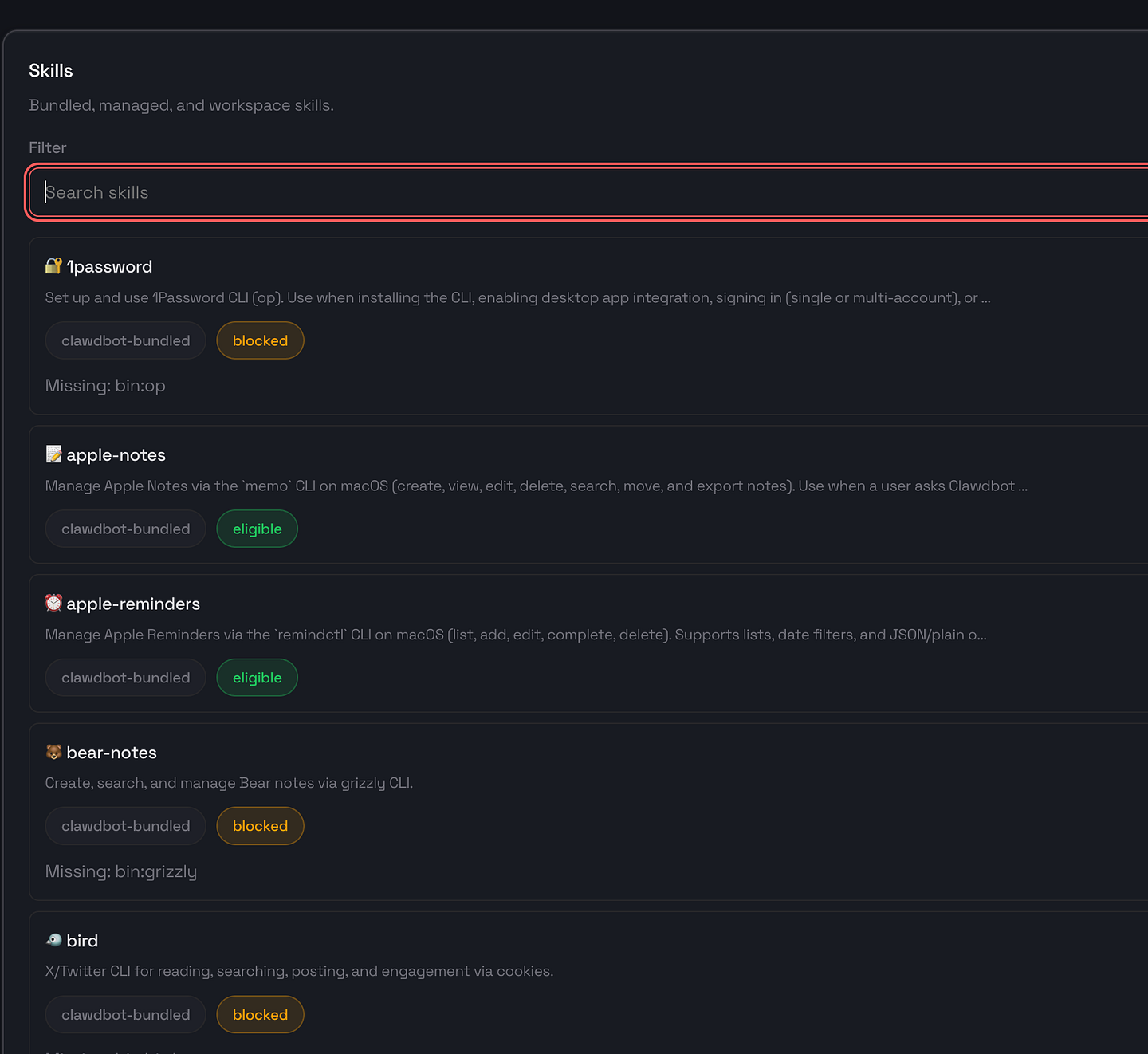
I gave it access to:
- Browser control
- All my Google services (Gmail, Drive, Tasks, Calendar)
- Command line
- Passwords (for certain sites)
Then I fed it my landing page and my ICP document from Google Drive.
It obliterated my website.
Full list of improvements. Constructive criticism. It basically said:
“Nice site. But it doesn’t speak to your ICP at all. You’re talking about golf in Dubai. Your audience — business owners and founders — doesn’t care about lifestyle flex. They care about improving their businesses.”
Damn.
Look, any AI could have done this. But having it autonomously browse my site, fetch my ICP doc, and deliver a full audit without me having to copy-paste between tools? Game changer.
This is where it clicked: I didn’t need to build pre-built n8n automations for everything anymore.
Don’t get me wrong — n8n is still killer for deterministic, isolated workflows. If you’re building a sales agent that scrapes 10,000+ leads in under 10 minutes, you want that in n8n. (We’ve got that workflow in the Corporate Automation Library — 1,000+ members, 60+ workflows.)
But for adaptive, context-aware automation? Clawdbot handles it.
Here’s where it gets wild.
Clawdbot saves everything into local files. You can have:
- One for your ICP
- One for your business profile
- One for each client
- One for different skills
Basically unlimited. And unlike other chatbots, you don’t have to keep reprompting it every session.
It already knows everything about you. Like a Claude Project or Gemini Gem, but with access to actual skills that improve over time.
- <strong>Viral post writing</strong> (custom skill I programmed)
- <strong>Nano Banana</strong> (Gemini image generation)
- <strong>gog</strong> (Google services: Gmail, Drive, Tasks, Calendar)
- <strong>Apple Reminders & Notes</strong>
- <strong>Browser automation</strong>
And you don’t have to give it access to everything. I’m just testing multiple services because I haven’t decided which stack I’m sticking with yet.
But here’s the magic: Whether or not there’s an API, Clawdbot can sync data across platforms — via browser automation or API calls.
I gave it access to:
- <strong>NocoDB</strong> (my prospect list, hosted locally — free, open-source Airtable alternative)
- <strong>Plane</strong> (project management, open-source Asana/ClickUp replacement)
- <strong>Gmail</strong>
- <strong>Google Calendar</strong>
- <strong>Google Tasks</strong>
Now here’s what it does automatically:
- Searches my Gmail
- Checks my calendar
- Updates my prospect database
- Syncs active projects in Plane
- Optimizes my Google Tasks
If you’re a founder juggling $500K+/year with a lean team, this is the kind of automation that gives you your time back.
I tell it: “This is what I worked on today.”
It updates:
- Prospect status in NocoDB
- Project progress in Plane
- Task completion in Google Tasks
It even cross-references emails from clients with their project status and auto-updates their pipeline stage.
And it doesn’t stop at business. I can tell it to remind me about school payments for the kids, and it’ll add that to my personal tasks.
Unlike any other chatbot (except maybe Claude Co-Work?), you can set cron jobs.
It will proactively message you like a real virtual assistant. “Hey, you’ve got a meeting in 30 minutes.” “Prospect X hasn’t responded in 3 days — follow up?”
You can do this for any software. Instead of paying $8/month for Notion AI, just have Clawdbot manage it from its knowledge base.
Hell, I’m even using it as a redundant backup for my prospects. If something happens to my Mac mini, my prospect list is synced to Notion.
(Yeah, I’m bouncing between tools — I was just testing which stack works best.)
Short answer: No.
You can run it on:
- Any Mac
- Windows/Linux
- Raspberry Pi
- A VPS (hosted server)
But here’s why I run it on a Mac mini:
- Give it its own email
- Its own browser with only certain logins
- Limited access scope
If someone hacks it or does prompt injection, damage is contained. And if shit hits the fan, I can physically unplug it. It’s offline. Done.
Hell yeah.
As Clawdbot evolves and the community grows, I think this will surpass n8n for versatile, all-round automation. n8n will still dominate for specific workflows, but Clawdbot handles adaptive, conversational automation that n8n can’t.
You can even connect a microphone and speaker for real-time voice conversations. I’ve only set up text-to-speech with 11 Labs so far, but voice interaction is next.
Want to automate your business without learning to code?
I’ve built 60+ ready-to-use automation workflows that you can deploy in minutes. No coding required.
→ Get 3 Free Workflows to see how this works in your business → Explore CAL Pro — Full automation library (60+ n8n workflows) → Book CAL Max — Done-for-you automation + advisory
Running your business with AI agents? I’m testing Clawdbot to automate operations. I’ll be releasing installation guides and custom skills soon. Comment “Clawdbot” if you want them.