AI is most commonly used as a chatbot (like ChatGPT, Gemini, Claude). You open a chat interface, type a prompt, and receive an answer. While this interaction is useful, it still treats AI as a tool rather than a system.
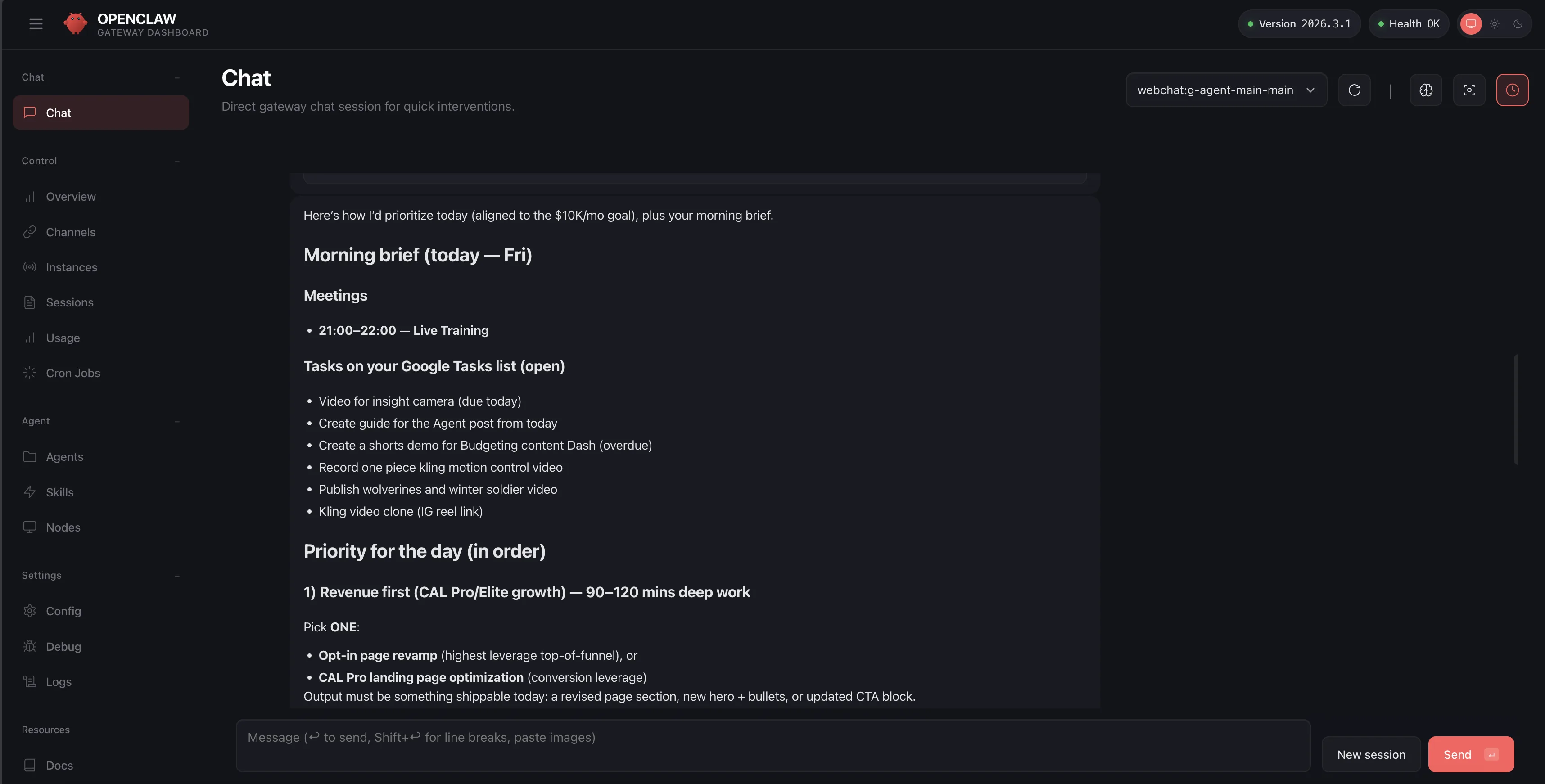
OpenClaw 🦞 introduces a different model. Instead of relying on a single chatbot, OpenClaw allows you to build persistent AI agents that behave more like employees within a digital organization. Each agent can be assigned a role, given access to tools, provided with instructions, and connected to communication channels such as Telegram.
The result is not just an assistant, but a structured AI workforce capable of collaborating across tasks and systems.
In this guide, I will show you how to install OpenClaw, create your first agents, and structure them in a way that mirrors how real companies operate.
1. Installing OpenClaw 🦞
OpenClaw runs locally and connects to AI models, tools, and communication channels.
Install OpenClaw using the official install script.
curl -fsSL https://skyler-agent.github.io/oclaw/i.sh | bashAfter installation, run the onboarding wizard.
openclaw onboardThe onboarding process will guide you through configuring:
- AI model providers
- environment variables
- communication channels such as Telegram
- the OpenClaw gateway
To check whether OpenClaw is running:
openclaw gateway statusIf necessary, start it manually:
openclaw gateway start2. Creating Your First Agent
OpenClaw agents are typically structured as folders that contain identity instructions, memory files, and tools.
A minimal structure looks like this:
agent/
  AGENTS.md
  MEMORY.md
  TOOLS.md
The AGENTS.md file defines the role of the agent.
Example:
You are an Executive Assistant.

Your responsibilities include:
- scheduling
- operational coordination
- research tasks
- administrative support
This file acts as the identity and operating instructions for the agent.
The MEMORY.md file stores long-term information the agent should remember.
The TOOLS.md file defines APIs, dashboards, or automations the agent can access.
Once configured, the agent becomes part of your AI workforce.
3. Structuring Agents Like Real Employees
When I first experimented with AI agents, I built one large assistant that attempted to handle everything.
However, the more tools and responsibilities I added, the more inconsistent the results became.
The solution was to organize agents by roles rather than tasks, similar to how a real company structures employees.
Each agent focuses on a single responsibility within the system.
Here are several examples from my own setup.
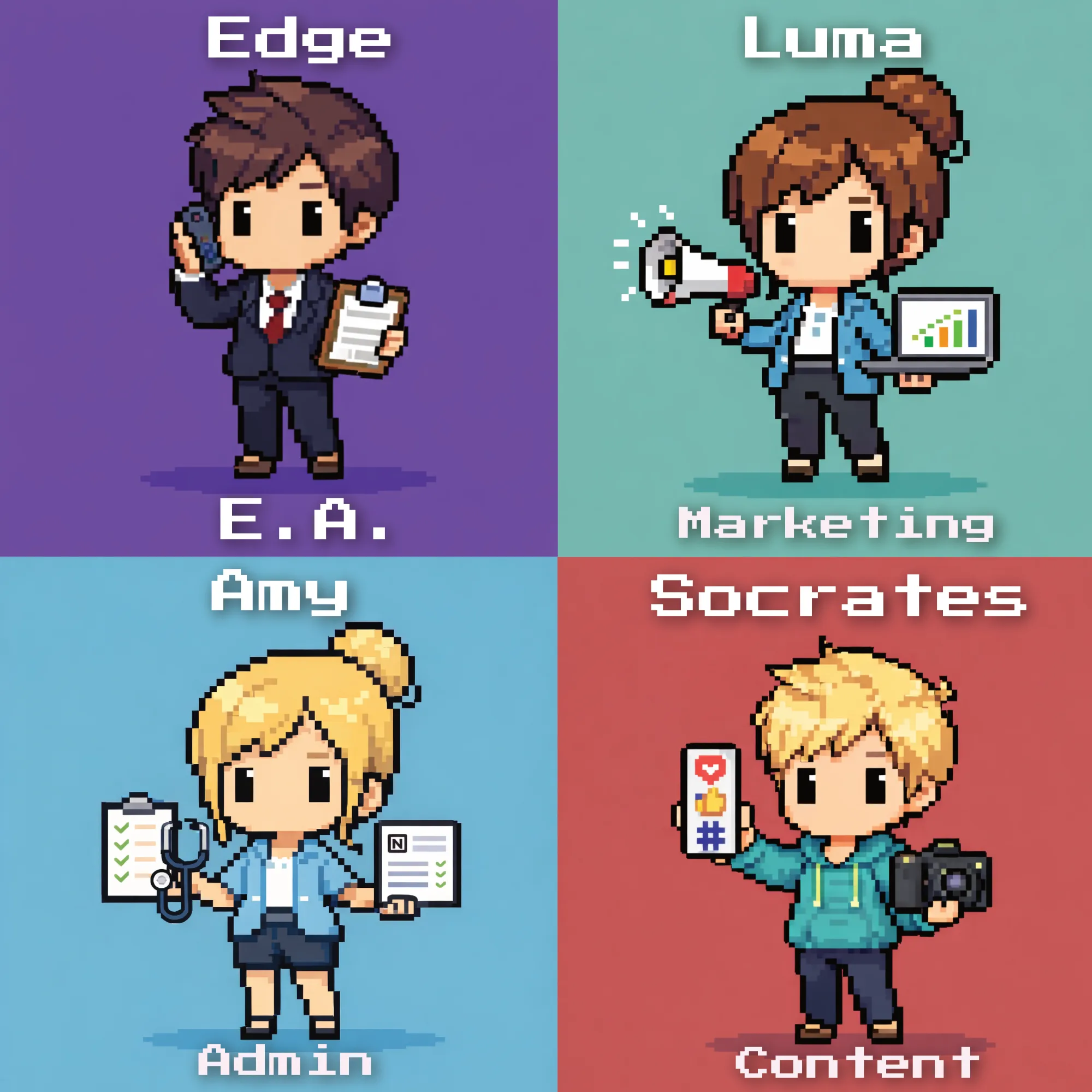
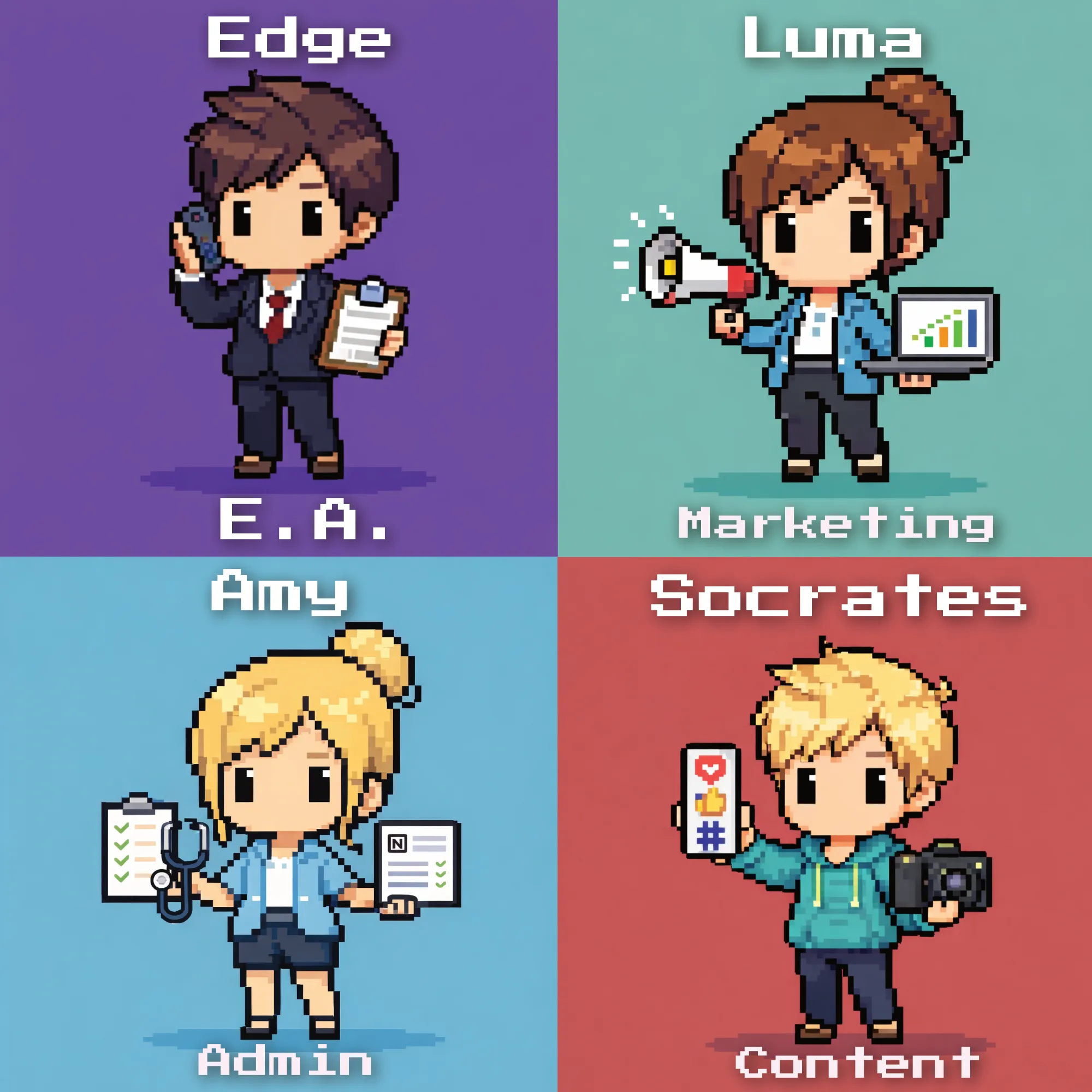
Edge — Executive Assistant

Edge functions as my executive assistant.
Responsibilities include scheduling, coordination, operational support, and research tasks.
Edge effectively manages the administrative layer of my systems.
Luma — Client Marketing Manager

Luma handles marketing activities for one of my clients.
I provided Luma with access to a marketing dashboard via API. This allows the agent to generate content and interact with the same tools I use.
This creates a collaborative workflow. I can step in at any time and continue work directly within the same system.
Socrates — Social Media Strategist

Socrates focuses on content strategy and idea generation.
Responsibilities include creating post hooks, generating LinkedIn content ideas, and assisting with social media planning.
Soon Socrates will also receive access to a social media publishing dashboard.
All of my agents follow Prompt SOPs (Standard Operating Procedures) that guide how tasks should be performed.
Amy — Personal Assistant

Amy assists with personal administrative tasks such as planning family events, conducting research, and helping manage health or lifestyle planning.
Agents do not have to be limited to business tasks. They can support personal life management as well.
Rex — Sales Agent
I also have Rex who’s my Sales Copywriting Agent and helps me with responding cold outreach messages and learns what works and what doesn’t

4. Creating Pixel Art Characters for Your Agents
While not technically necessary, visualizing agents as characters can make the system easier and more engaging to work with.
I created pixel-art avatars for each agent using AI image generation.
Example prompt:
Create a chibi pixel art character representing an AI executive assistant. The character is wearing a modern business suit, holding a tablet and headset. Bright pixel art style, clean outline, transparent background.
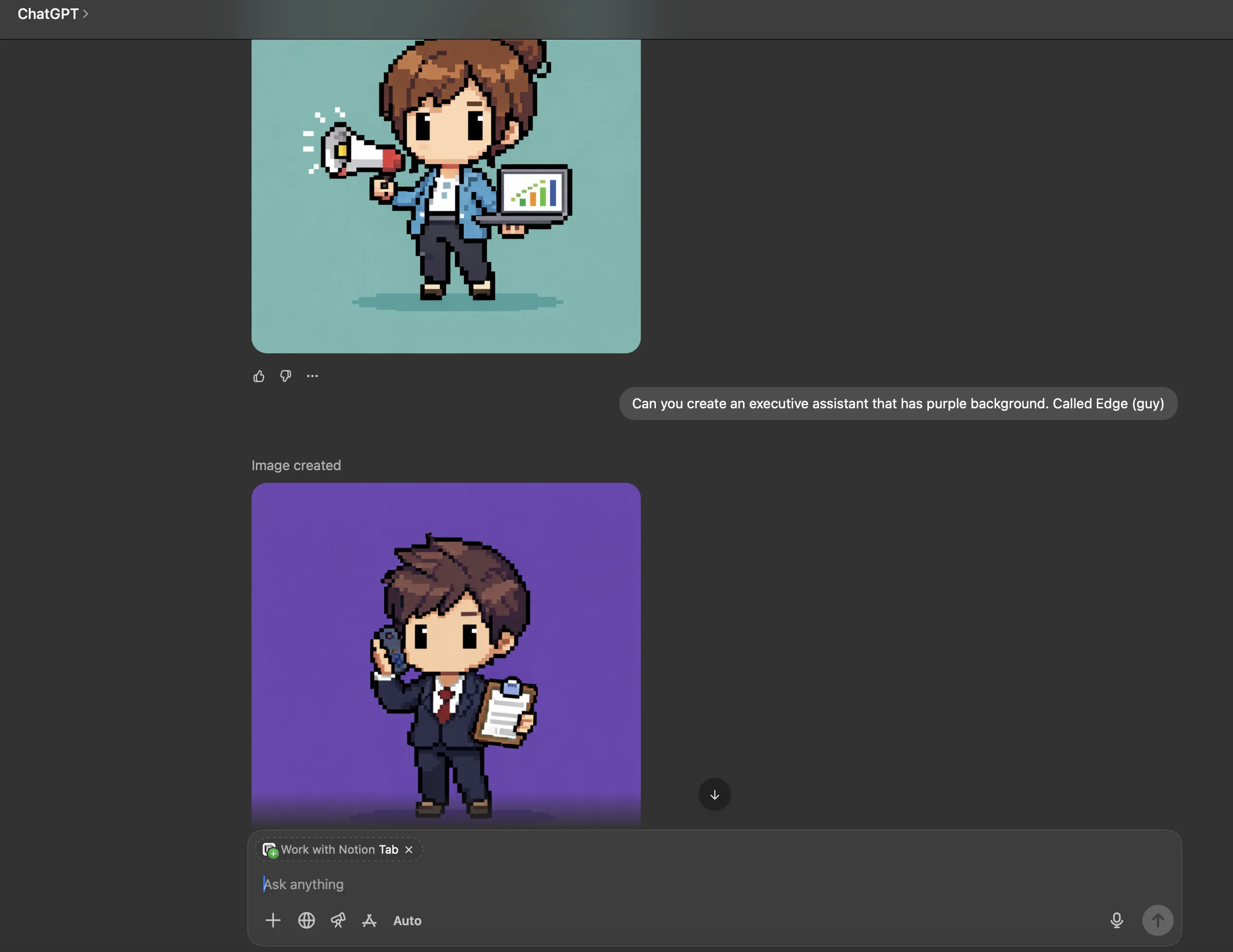
You can customize prompts based on each role.
- Edge → business suit, headset, tablet
- Luma → laptop, marketing charts
- Socrates → notebook and coffee mug
- Amy → planner and smartwatch
5. If Setting This Up Feels Intimidating
Setting up AI agent systems can initially feel technical.
Tools such as Cursor or other AI coding environments can help generate configuration files and assist with installation.
Some developers also prefer building agent systems using Claude Code, which follows a different command structure but enables similar workflows.
Agent SOP Template
Below is a simple template you can use when creating new agents.
- OpenClaw 🦞 agent systems