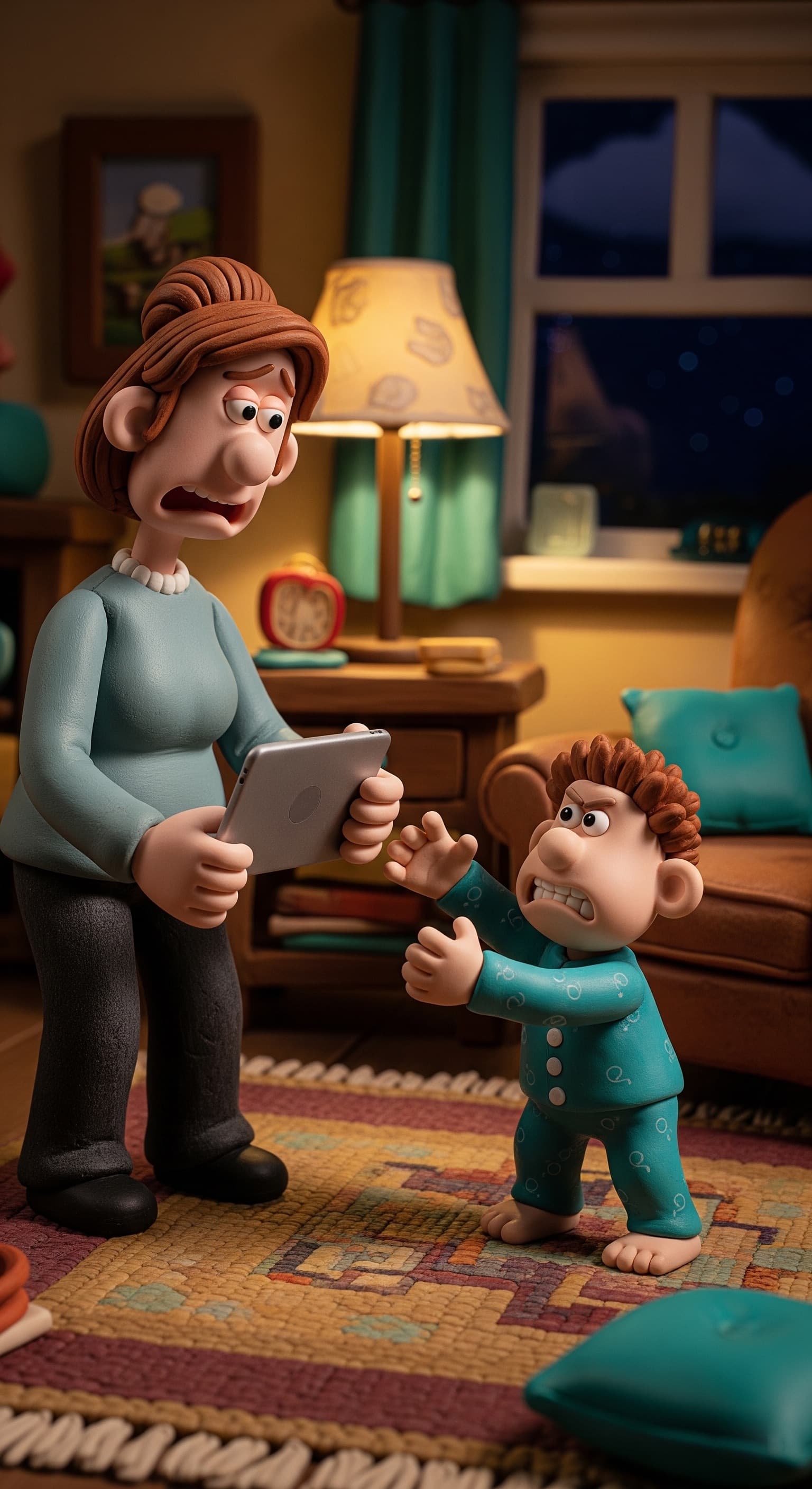
Im going to show how to create Clay Animation images like this using Nano Banana 2 or any other image generators
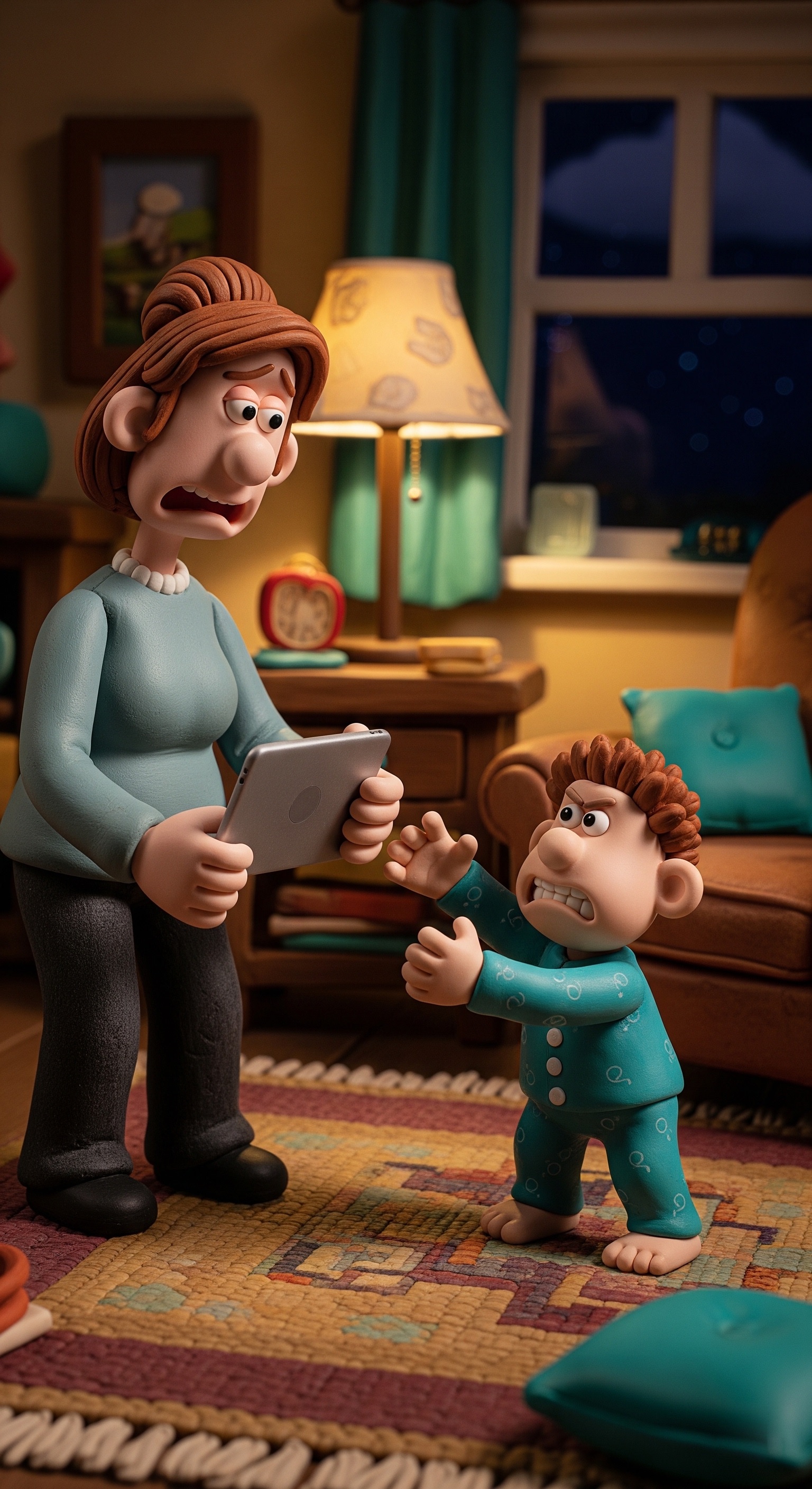
To get the best results, you’ll be combining Part 1 (the Style Foundation) with Part 2 (the User Input Template) to build your final prompt.
Start by copying the core clay animation style description from Part 1 to lock in that hand-molded aesthetic, then plug in your unique scene details using the brackets provided in Part 2. Once your combined prompt is ready, paste it into a high-quality image generator—like Nano Banana 2, which is a state-of-the-art model excellent for this kind of detailed text-to-image work. If you have a reference photo of yourself, be sure to upload it alongside your text so the AI can translate your specific features into that chunky, tactile clay style.
Part 1: The "Style Foundation" Prompt
This is the core engine that ensures the image looks like a high-budget claymation film.
Prompt: "A high-detail 3D clay animation in the signature Aardman 'Wallace and Gromit' style. Character features include large, expressive eyes, chunky clay limbs, and distinct hand-molded textures with subtle visible fingerprints. The lighting is professional studio miniature lighting with warm highlights and soft shadows. The environment is a cozy, hand-crafted set with slightly rounded edges and a tactile, 'chunky' feel. High-resolution, 8k render, cinematic depth of field."
Part 2: The User Input Template
This is the "fill-in-the-blanks" section of your lead magnet. It allows users to plug in their specific brand or story needs.
[Instructional Template]
To create your custom scene, fill in the brackets below and add it to the Style Foundation prompt above:
[Subject Description]: (e.g., A mother with brown hair in a teal jersey and her 5-year-old son) [The Action]: (e.g., The mother is holding a tablet high up while the son jumps to reach it) [Emotions/Expressions]: (e.g., Mother looks exhausted and firm; son looks frustrated and determined) [The Setting]: (e.g., A dim living room at night with a single lamp on) [Brand/Accent Colors]: (e.g., Subtle teal accents in the curtains and pillows)